We all want to help everyone learn to the best of their ability. Wixie is committed to providing an accessible tool for as many learners as possible.
Wixie helps all students produce high-level work, providing a sense of pride in their abilities and encouraging determination and motivation to help them achieve.
Wixie provides a platform for students to showcase their ideas and feelings using the same tool as their peers.
Students with language challenges can use activities to practice grammatical patterns, build visual cues for vocabulary words, and develop artwork to support their writing. Wixie's tools provide a range of ways for students to use words in context, express their ideas, build vocabulary, follow directions, and practice using words and their proper meaning.
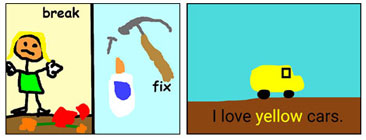
It can helpful for students to express their emotions in a non-threatening and non-violent way. Students can release creative energy by scribbling with Wixie's paint tools and use color to show feeling, helping them calm down and express themselves in a positive way.

Wixie includes text-to-speech options that make it easy for students to listen to text others have provide for them or that they have written themselves. They can practice fluency with the audio and video recording tools, listen or watch their efforts, and easily try again if they want to.

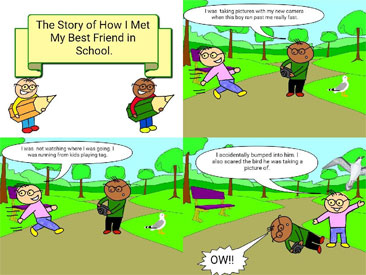
Many students need additional support with communication and social skills. The visual nature of Wixie makes it easy for both teachers and students to highlight important words and phrases and support text with pictures. Teachers and students can use Wixie's tools to develop social stories that help them see situations from the perspective of other people and practice working with social cues.
We are working to make Wixie accessible to a wide range students by following WCAG guidelines for web site accessibility.
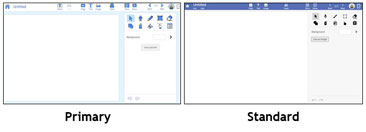
Wixie comes with two interfaces, standard and primary, so educators can choose the appropriate amount of options and features for each learner.
Over two dozen project settings allow teachers to develop activities that minimize distractions and focus on the desired content.
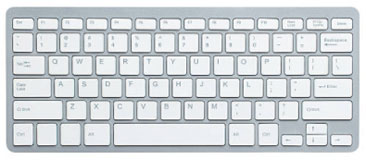
The keyboard interface can be very useful to anyone for whom mouse use is impossible, difficult, or inconvenient. Wixie implements a tabable interface and keyboard shortcuts in order to provide access to as much of the program as possible.
In order to teach all learners to high standards, we have to use multiple approaches to accommodate learner differences. The Universal Design for Learning (UDL) model provides a blueprint that encourages multiple ways of teaching and learning.
Wixie gives teachers and students easy to use tools, combined with multiple ways to share learning and flexibility to differentiate, making it useful for a variety of learning needs.
How can I use Wixie to share content in multiple ways?
Teachers can use Wixie to develop instructional materials and activities that present content through text, pictures, voice narration, video, and more. Wixie includes a library of curriculum activities that combine pictures, text, video and audio that make it easy to reach learners and customize their experience.
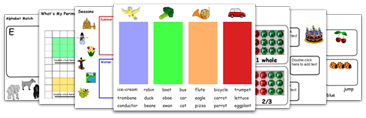
What are the different ways students can use Wixie to show me what they know?
Students can use Wixie to draw diagrams, click-and-drag objects in activities to demonstrate content knowledge, write, record their voices, and share their ideas as they create documents, comics, movies, storybooks, and more.
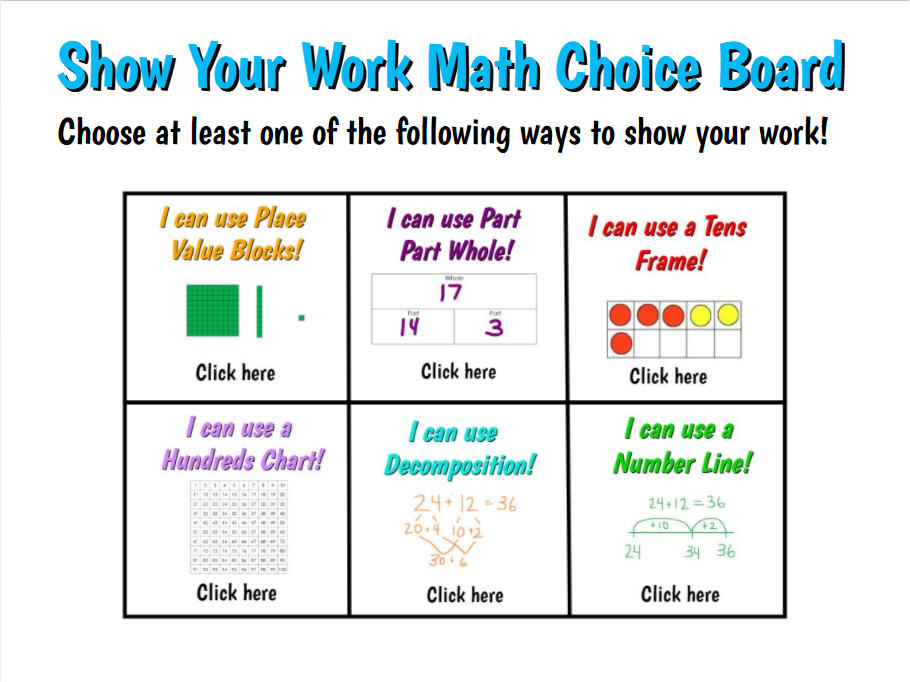
How can I use Wixie to give students choices about content and process during their learning?
Every learner is unique. The many tools and options in Wixie provide a fun way for students to demonstrate their creativity and explore and share their passions, resulting in increased motivation and engagement.
Follow us on:


Wixie
Resources


 Wixie Accessibility Conformance Report (VPAT)
 Wixie Keyboard Shortcuts