One tool, unlimited opportunities!
-

Digital Books
-

Paintings
-

Mind Maps
-

Talking Characters
-

Stop Motion
-

Comics
-

Interactive Activities
Turn Lessons into Creative Learning Experiences
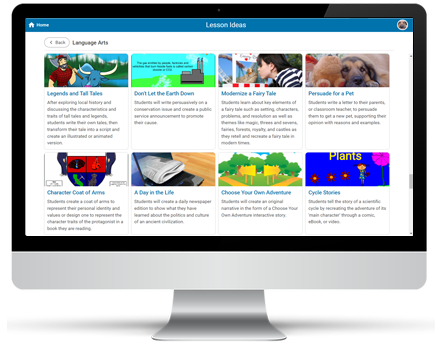
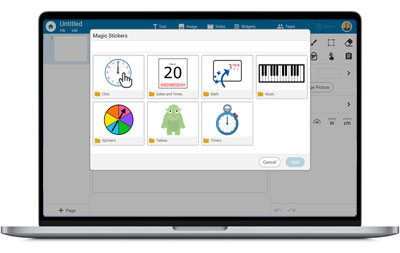
Wixie gives teachers one flexible space for creative projects, differentiated activities, feedback, reflection, and sharing. Students can draw, write, record, animate, and publish their ideas while teachers guide learning with tools built for everyday classroom instruction.
"I have been using Wixie in the classroom for many years. What I appreciate most is the time and thoughtfulness that they put into responding to the needs and ideas of teachers and their students. With each year, Wixie continues to improve, innovate, and become more user friendly and accessible. Even better, whenever we have a tech challenge, their team is responsive and supportive within a minimal amount of time."
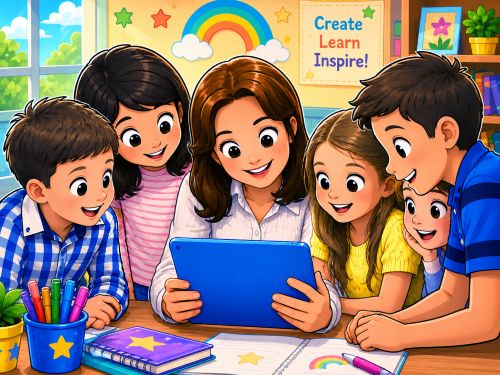
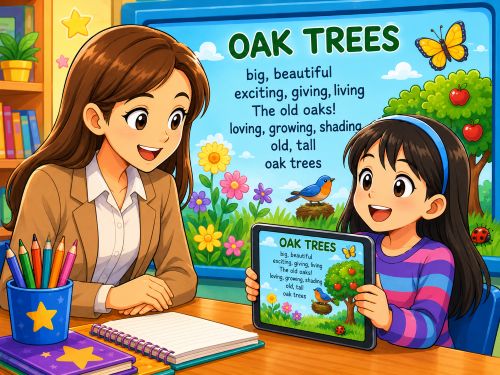
"After my second-grade students finish their writing, they publish and record their voices on Wixie. I collect their writing into my Showcase folder and then we have an authors' celebration where I play the class's writing for a live audience made up of parents, classmates, and staff. I post the link to my Wixie Showcase on our class web page for anyone who missed the celebration."

Learn about Wixie at these upcoming conferences
MassCUE-MA

Littles CAN Collaborate: A Continuum for Digital Collaboration
Debbie Tannenbaum
10/14/2026
MassCUE-MA
Pedagogy First: Moving from "Whack-a-Mole" to EdTech That Actually Sticks
Debbie Tannenbaum
10/14/2026
MassCUE-MA
Pixels to Projects: Digital Creativity
Kym Dufault
10/14/2026
MassCUE-MA
Art In The Digital Age: Utilizing digital tools to foster creativity and advance student artwork.
Amanda Mccloskey
10/14/2026
PSAE

It's Full STEAM Ahead in the Primary Grades
Melinda Kolk
10/19/2026
PSAE
Telling Data Stories in Primary and Elementary
Melinda Kolk
10/19/2026
GAETC

Telling Data Stories in Elementary
Melinda Kolk
11/04/2026
GAETC
Digital Storytelling in the Primary Grades
Melinda Kolk
11/04/2026
GAETC
Being Mindful in a Mindless World: Balance in a technology rich classroom
Kara Merck
11/04/2026
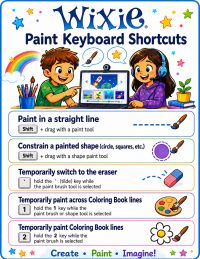
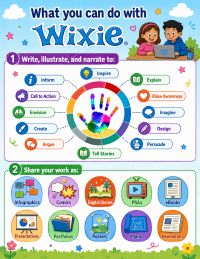
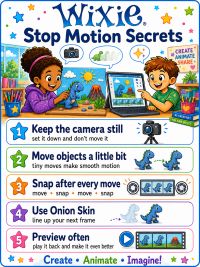
Wixie Classroom Posters
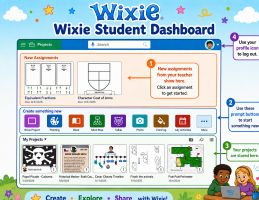
 Download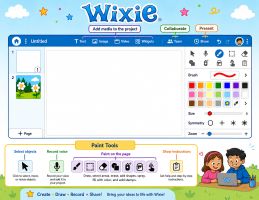
Curriculum Integration Guides
Wixie works across the curriculum, supporting effective 21st-century learning through approaches like STEM and digital storytelling. Explore guides for building literacy, connecting to the curriculum, and more.
Grade Levels
Kindergarten
First Grade
Second Grade
Third Grade